


Create Live USB units for a wide range of Linux distributions
The majority of Linux distributions can be launched on a PC directly from an external unit, without having to be installed on a hard drive. These external units normally come in CD format, even though as of late they are also using the USB pendrives. UNetbootin is a simple tool with which you can easily create Live USB units for a large amount of Linux distributions, without having to create or use any CD.
LiveUSBs for your Linux distros
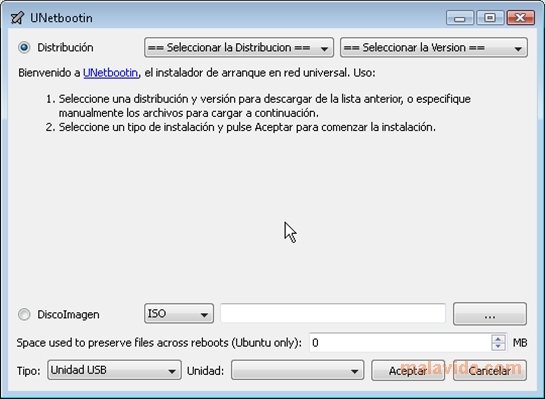
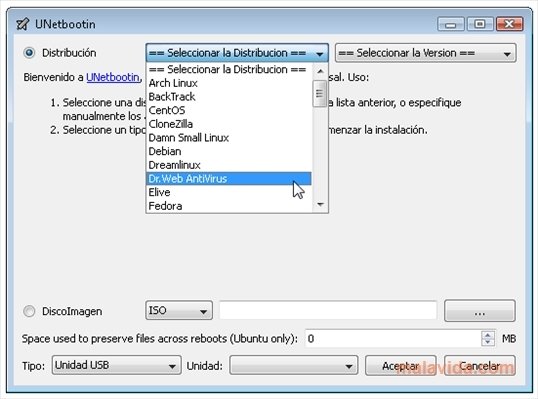
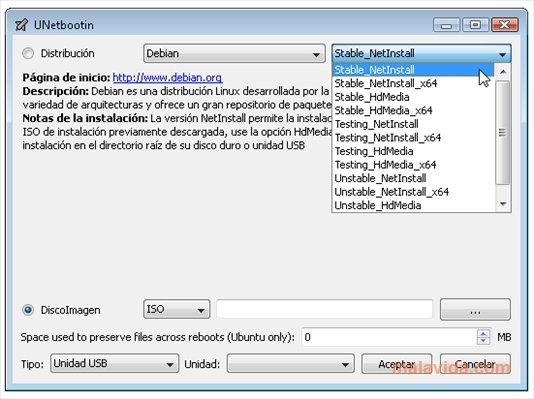
The program shows a simple window in which we have to indicate the parameters like the Linux distribution that we want to use, where the disc image can be found, and the customization elements, like a different kernel. UNetbootin doesn't include any disc images, so we will have to download them first. To make this task easier, it provides a link and information for each one of the distributions that can be used to create a Live USB.
Likewise, on its official website, it provides links for the most common distributions with which it works. By means of the program we'll manage to create a Live USB not only of the best known Linux distributions, but also of less known, but not worse, distributions like Slax or Puppy.
Ideal to rummage and muck around with all kinds of Linux distributions, without having to install them on your PC.
 Leticia Sorivella
My name is Leticia. I really like movies, television, and music. That is why I studied Audiovisual Communication. In the beginning, I wanted to work in movies, but I ended up on television. Then, I went from being behind the cameras to being in...

Antony Peel